

Composable dashboards
Beyond the home page, you can build your own dashboards from saved charts. Open the Dashboards tab in Intelligence > Analytics.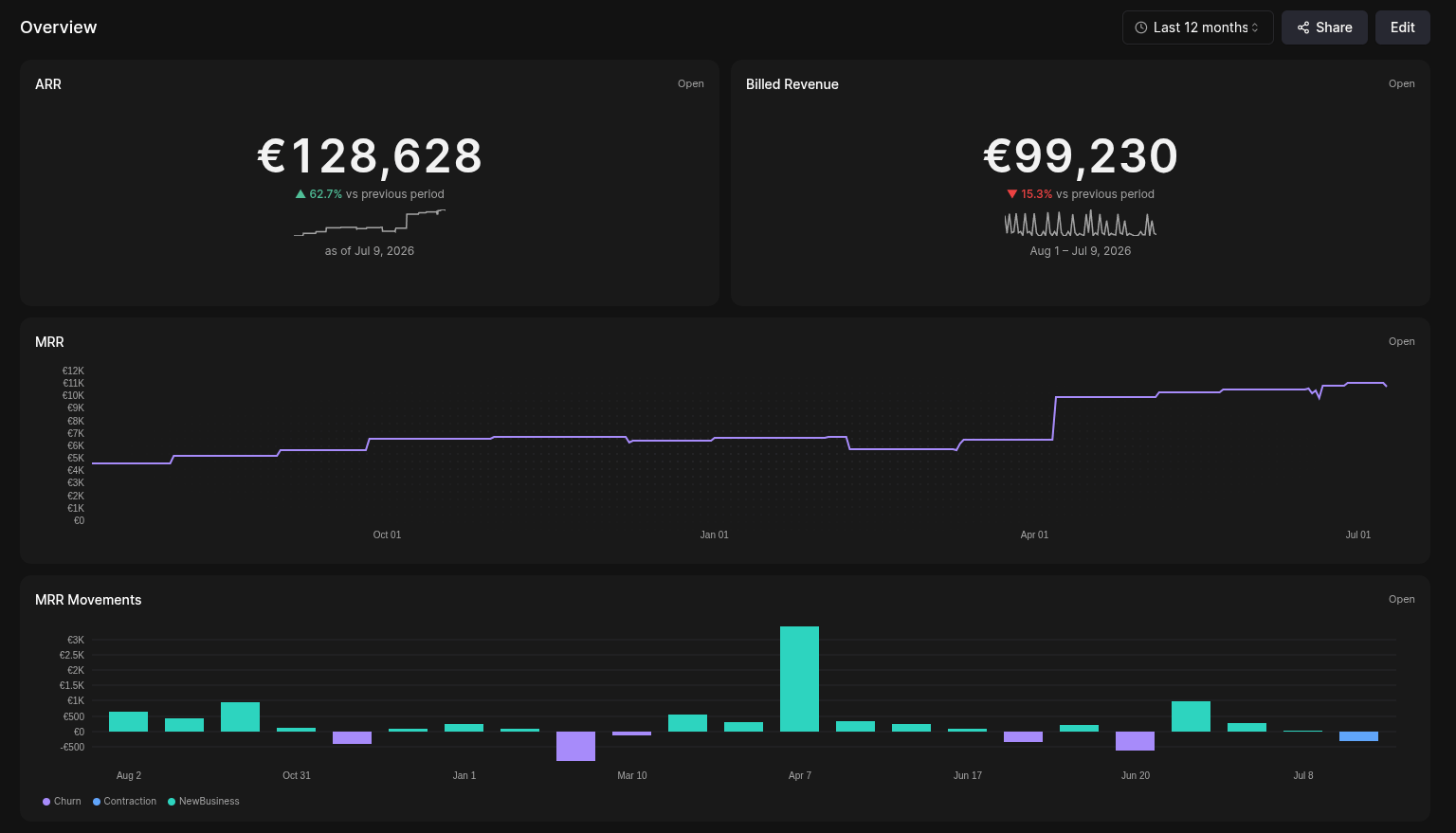
1
Save the charts you want
Build each view in the explorer and save
it as a custom chart.
2
Assemble a dashboard
Create a dashboard and add your saved charts as tiles, laid out at half
or full width to compose the cockpit you want.
3
Reuse it
Open the dashboard any time as a standing view—your morning revenue cockpit,
a board-meeting summary, a team KPI wall.
Sharing & embedding a dashboard
A dashboard can be shared outside Meteroid—useful for investors, board members, or teammates without an account. From a dashboard, open Share to:- Public link — generate a tokenized, read-only URL (
/portal/dashboard?token=…) that anyone with the link can open. No login required. - Embed — get an
<iframe>snippet (the same URL with&embed=1) to drop the dashboard into a wiki, a Notion page, or an internal app. - Powered by — optionally hide the Meteroid attribution on the shared view.
This is a separate surface from the customer portal
embed: dashboards share
your analytics with people you choose, whereas the customer portal shows a
single customer their own billing.