

Defining a credit unit
Go to Settings > Credit > Credit units and click Add credit unit.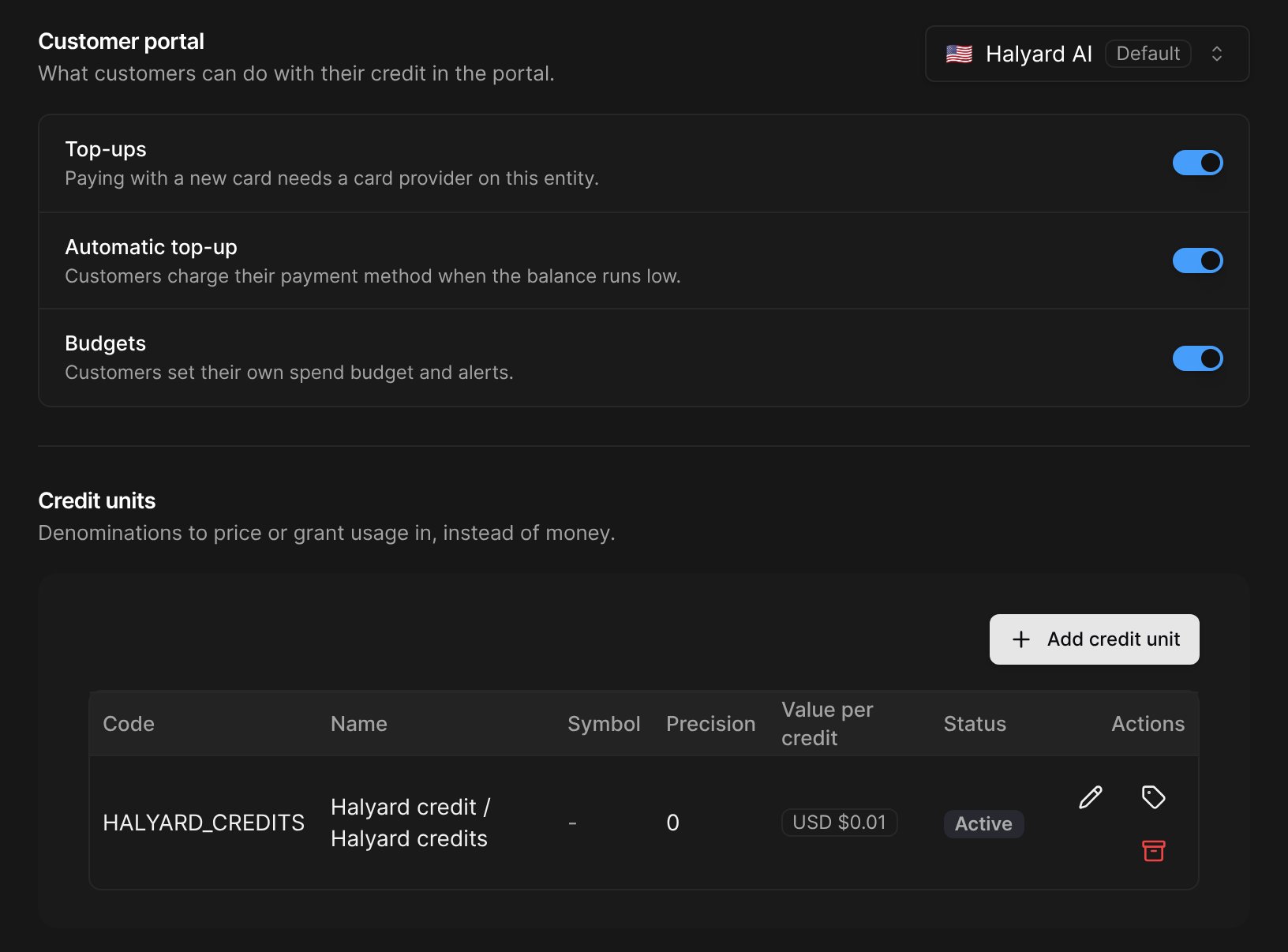
To sell a unit, click the tag icon on its row and set a value per credit in each currency you sell it in, and a tax product, whose tax category applies to every sale. Both are required: customers in other currencies can’t buy the unit.
Archiving a unit stops new prices, packs, grants and sales in it. Existing credit keeps working.
What a credit is worth
A unit’s value per credit is used for sales (top-ups and purchases), for overage, and to show the money equivalent of a balance. It can be overridden:- per plan, for overage only: the component’s Overage price per credit,
- per customer: the Agreed price per credit, in the wallet settings. It replaces the list price for this customer’s purchases, top-ups and overage.
Pricing usage in credits
In the plan editor:- on a usage-based component, choose Priced in “<your unit>”,
- on a capacity component, choose Overage priced in “<your unit>” (the capacity fee stays in money).
The invoice line reads e.g. “5,480 API credits used, 5,000 paid with credit”.
Funding a credit-unit wallet
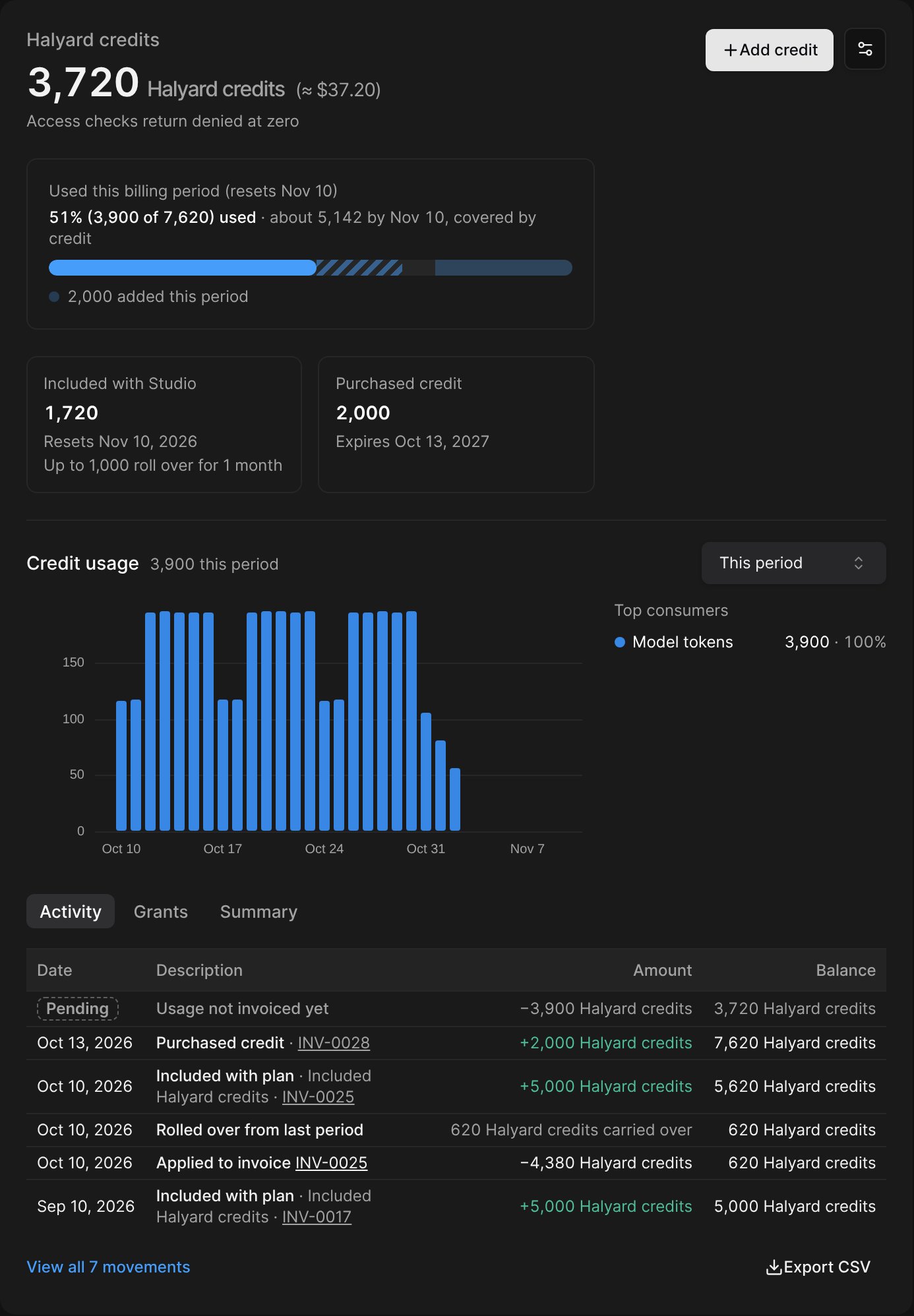
- Included credit pack in a plan (promotional, not taxed),
- Paid credit pack in a plan, or a sale from the dashboard, the portal or an automatic top-up: taxed when sold, with the unit’s tax product,
- Add credit > Free credit (promotional).
A credit note on a line priced in credits only credits the money billed for overage. To give credits back, void the invoice or add free credits.