

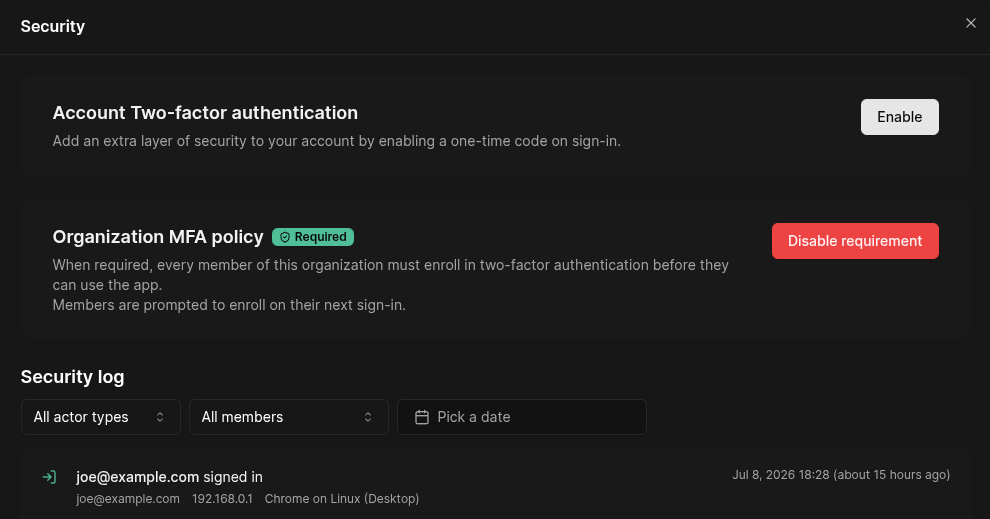
Enable MFA
To enable MFA, navigate to Settings > Security and click Enable.Then:- Scan the QR code using your preferred authentication application (such as Google Authenticator).
- Enter the verification code displayed by your authentication app.
- Click Confirm to activate MFA.